Local
MANIA detects and captures MapleStory on the same PC automatically. Recommended for private servers and MapleStory Worlds. Official servers require a remote configuration.Remote
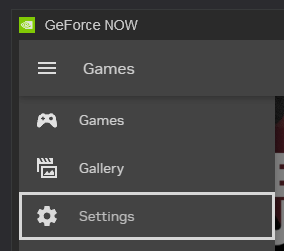
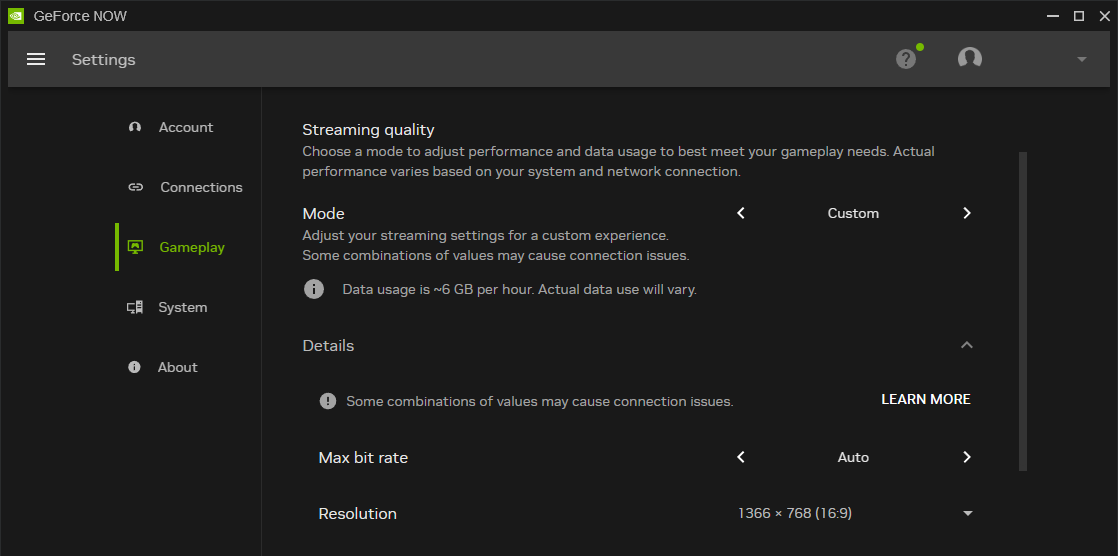
MANIA runs on your PC while MapleStory runs on another PC, in a VM on the same PC, or in the cloud. Required for all official servers, including MapleStory N, regardless of your operating system.
For local and remote with software input, the MapleStory window must stay focused. Hardware input removes the focus requirement, freeing up your MANIA PC entirely.
- Local Capture
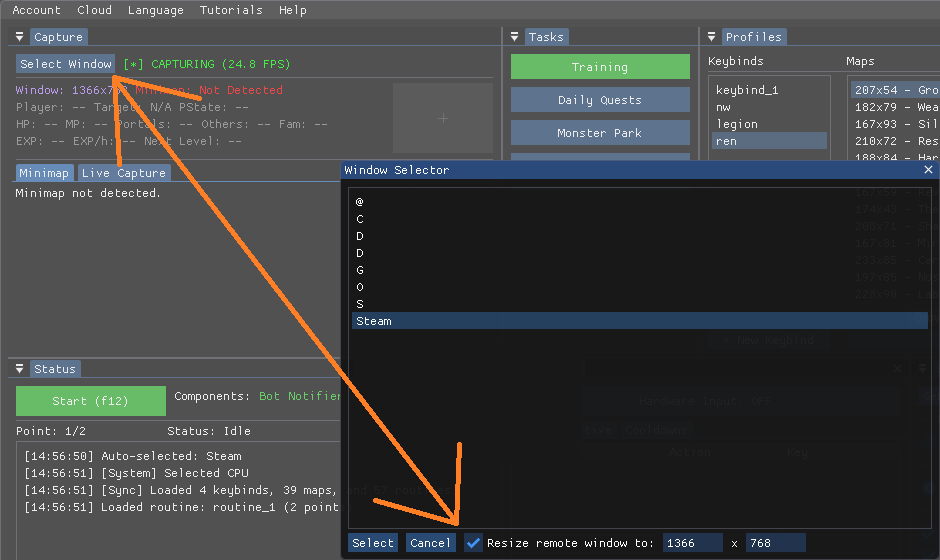
- Remote Capture
OFFICIAL SERVER PLAYERS:
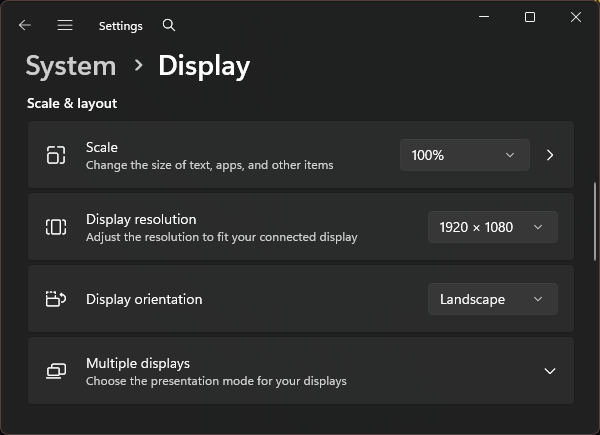
You must use a Remote Configuration for all official servers, including MapleStory N. This applies on every operating system, even if you use hardware input.- Set MapleStory to
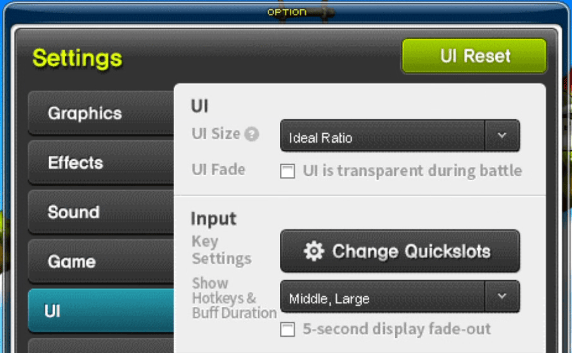
1366x768(or1920x1080with UI → Ideal Ratio). - Old school servers use
1280x720instead.
UI is transparent during battle.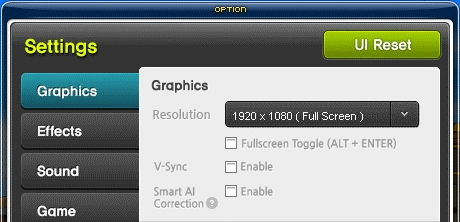
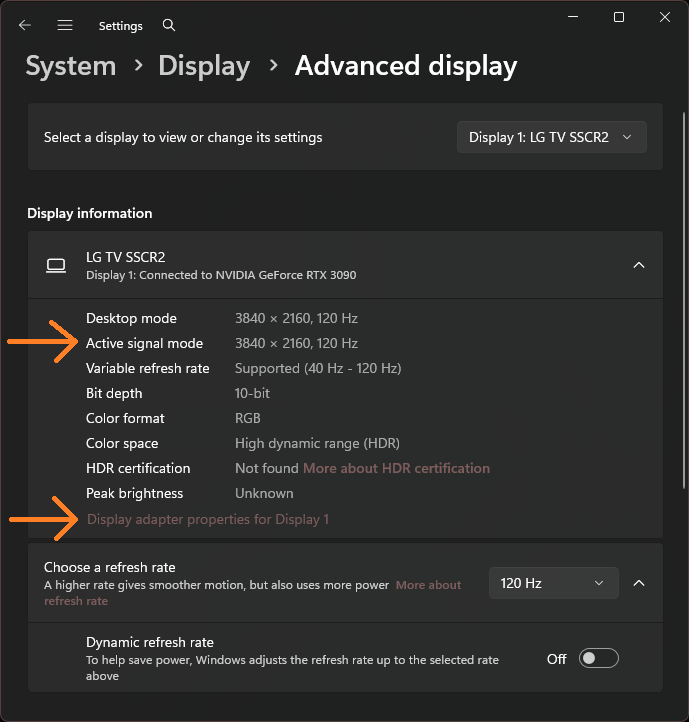
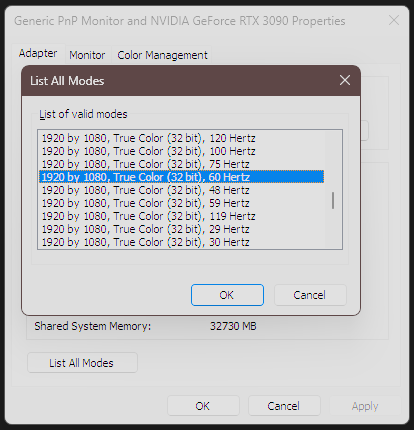
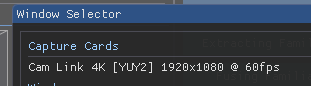
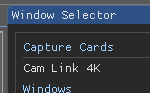
Confirmation
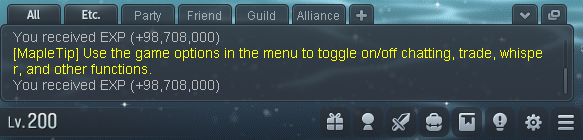
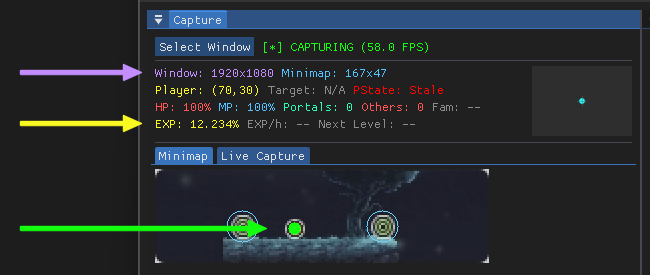
You’ll know capture is working when you see:- Purple text — correct window resolution detected
- Yellow text — correct EXP detected
- Green circle — player detected on minimap
MapleStory Settings
Configure these in-game settings for best detection:-
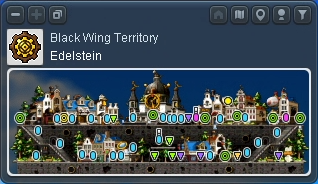
Minimap: Top-left corner, map name visible
-
Chatbox: Bottom-left corner as shown