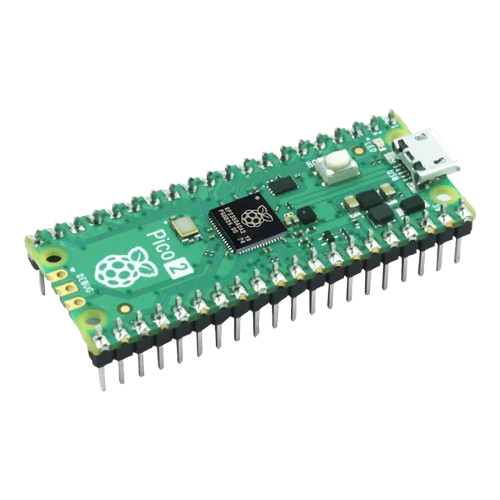
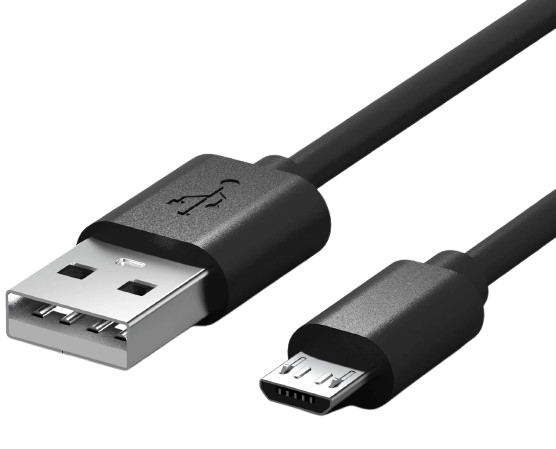
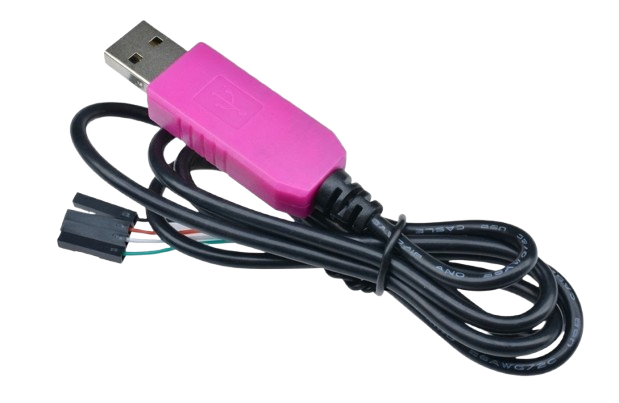
All official servers require a remote configuration, even when using hardware input.Software input works out of the box. For official servers (MapleStory N, KMS, etc.), hardware input is strongly recommended to reduce lie detector frequency.
GMS doesn’t enforce this yet, but it’s worth setting up just in case.
Local Hardware Input
Remote Hardware Input
Route inputs through a Pico connected directly to your PC. Sends physical keyboard and mouse input, bypassing software-level detection.